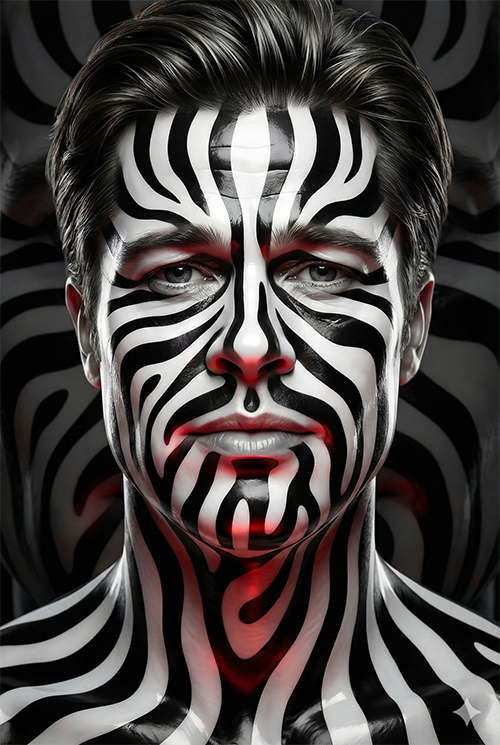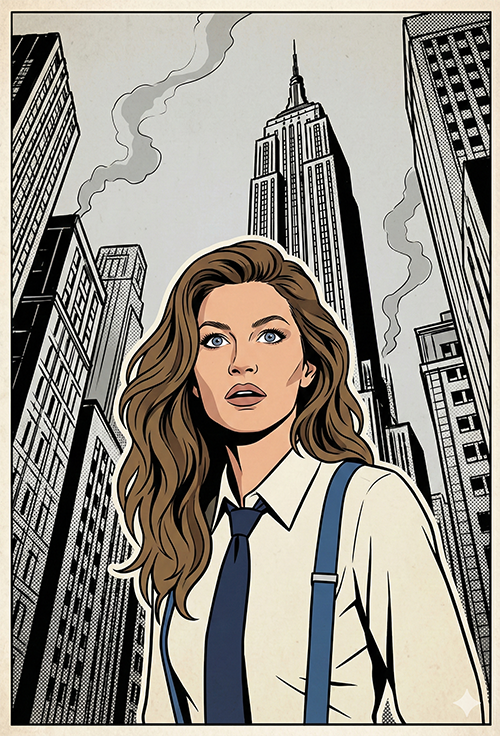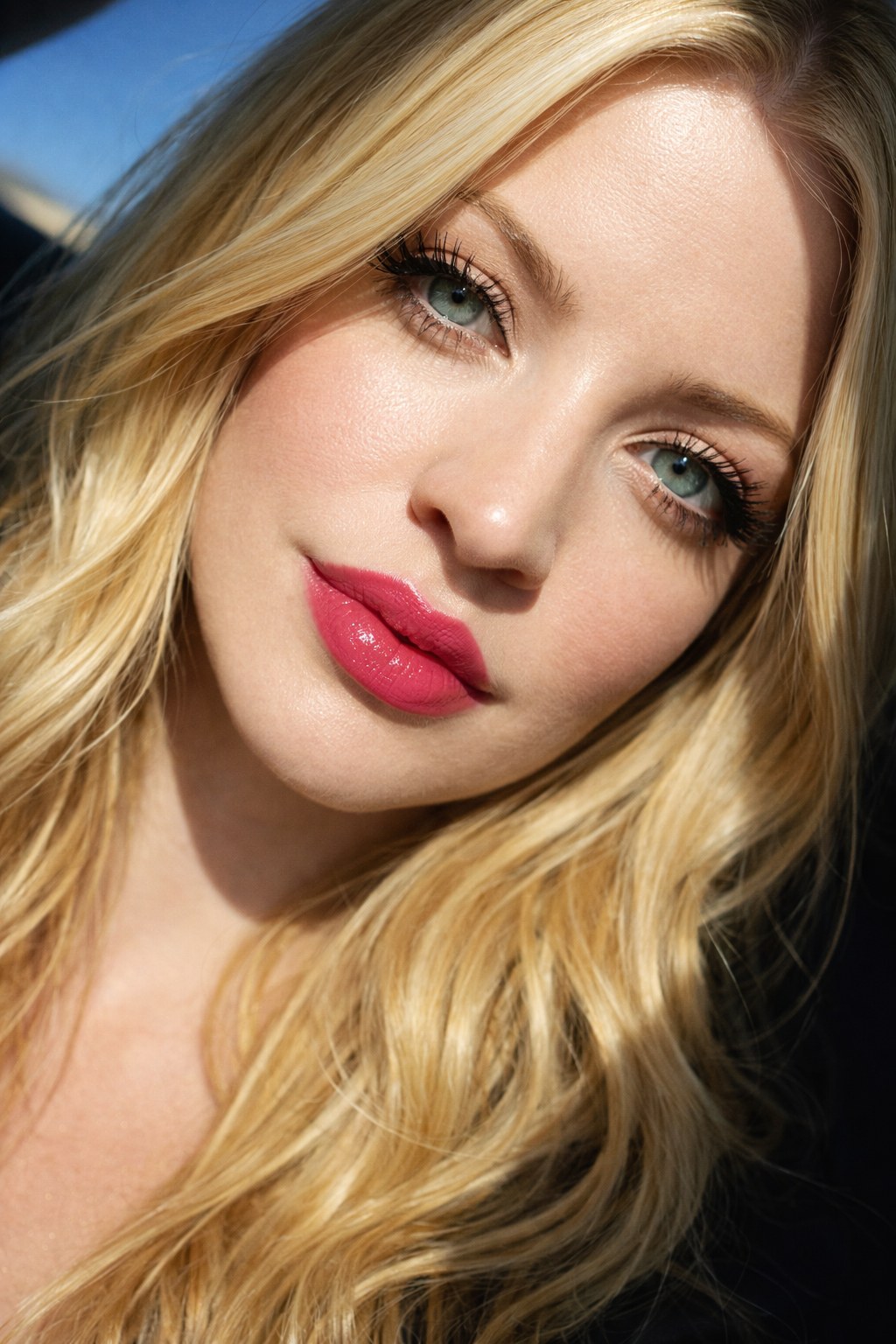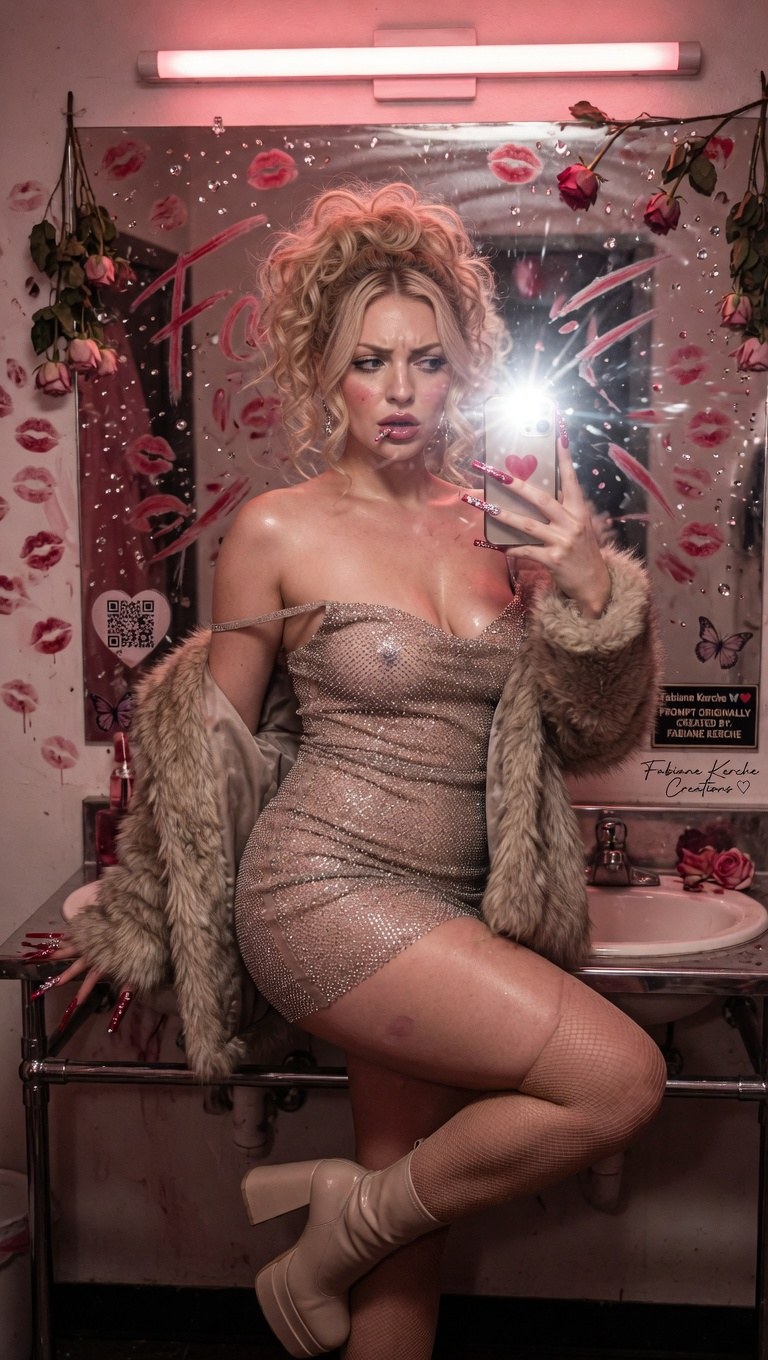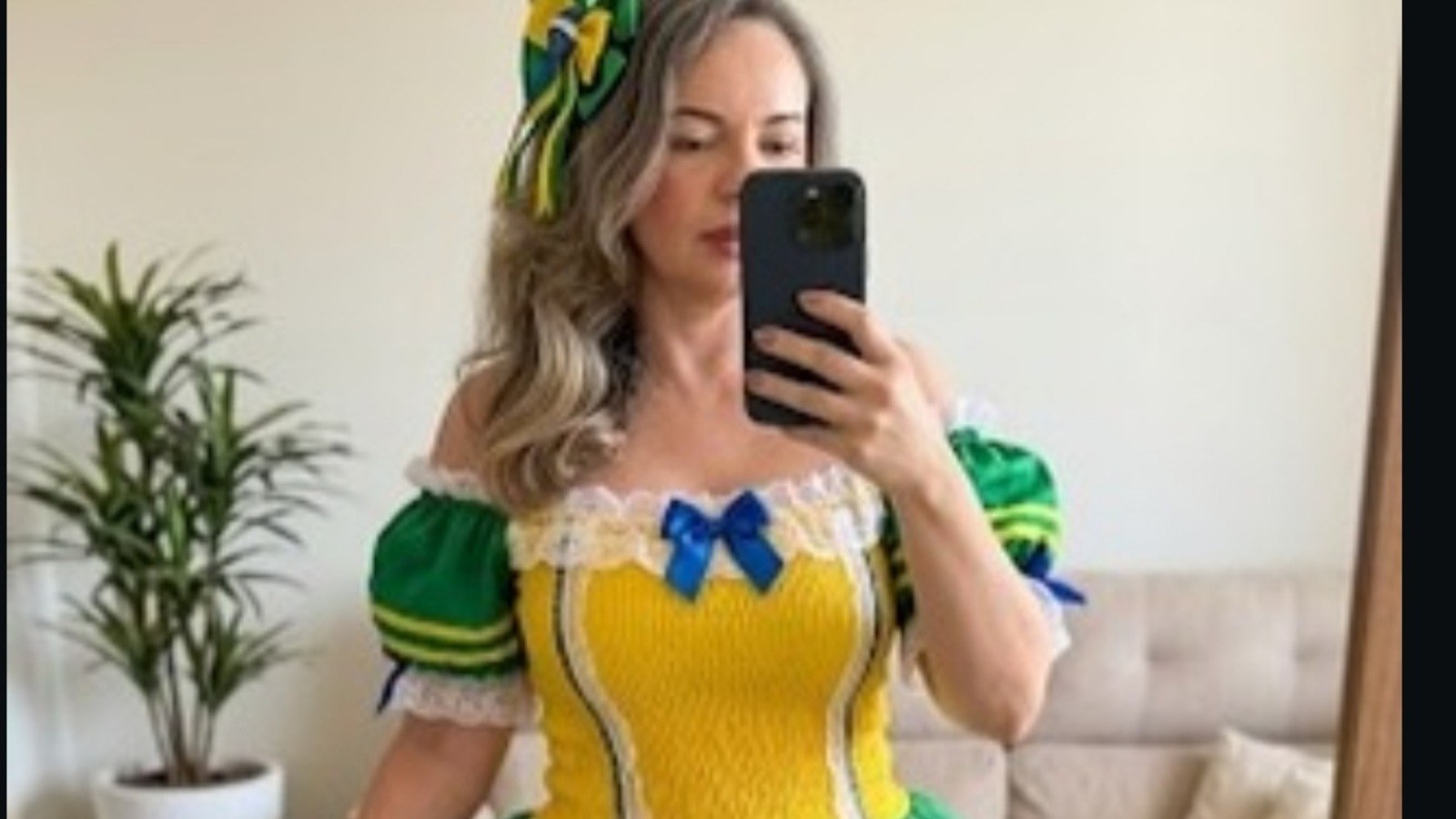
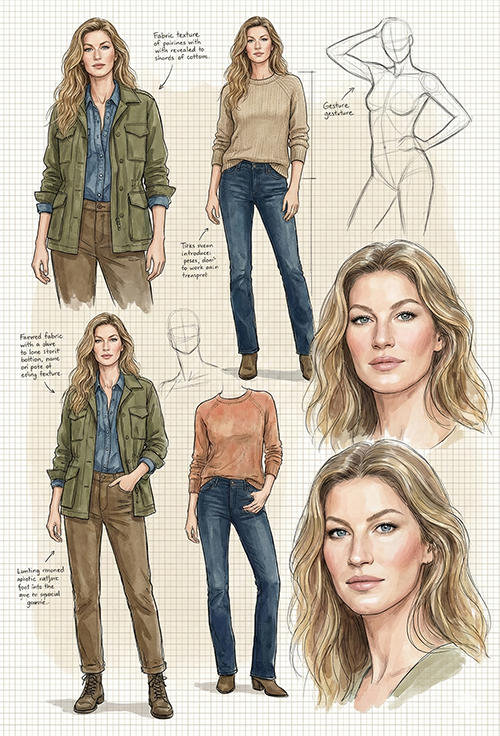

Efeitos_uploaded reference photo base face

Imagem do prompt Efeitos_uploaded reference photo base face
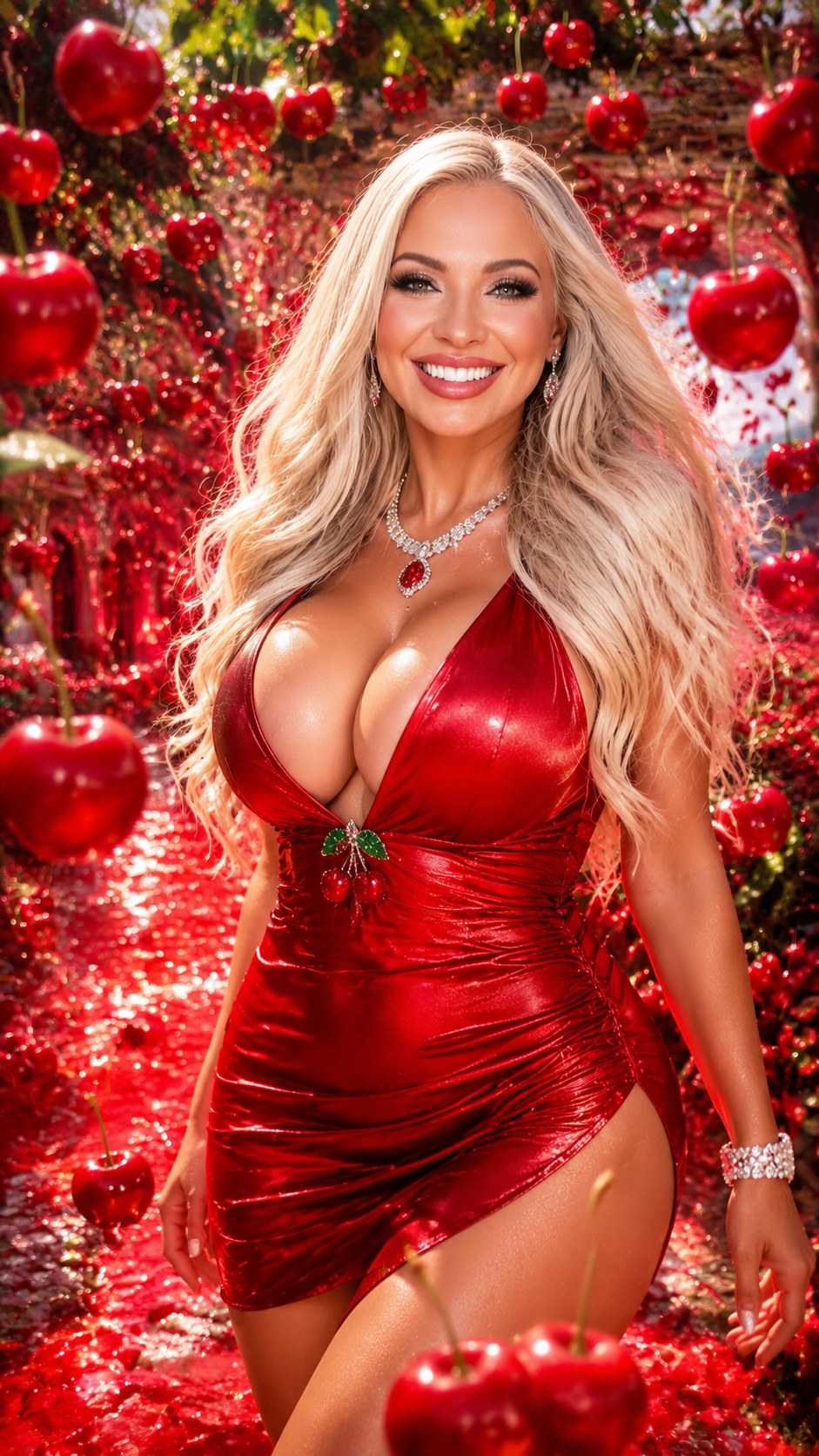
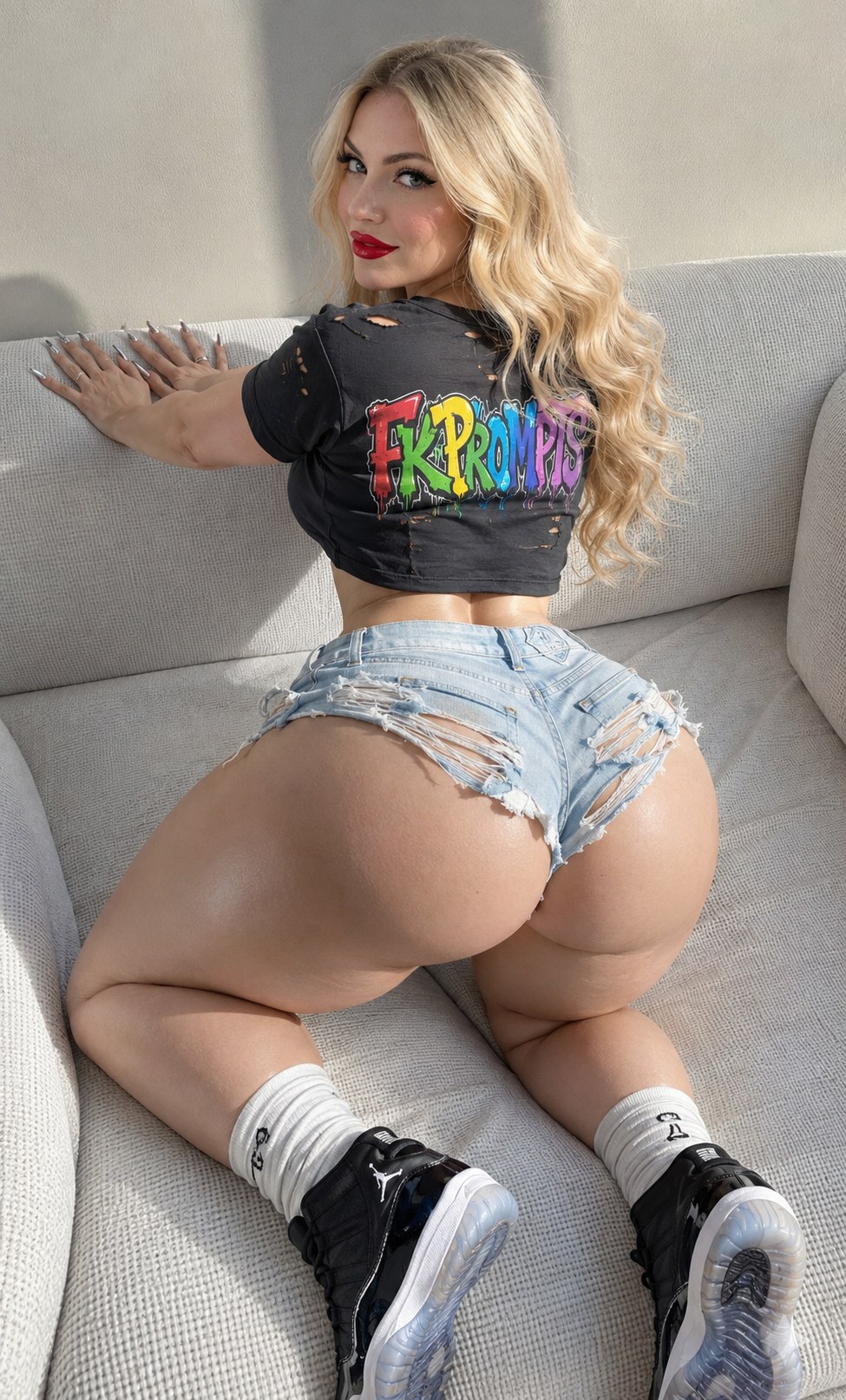
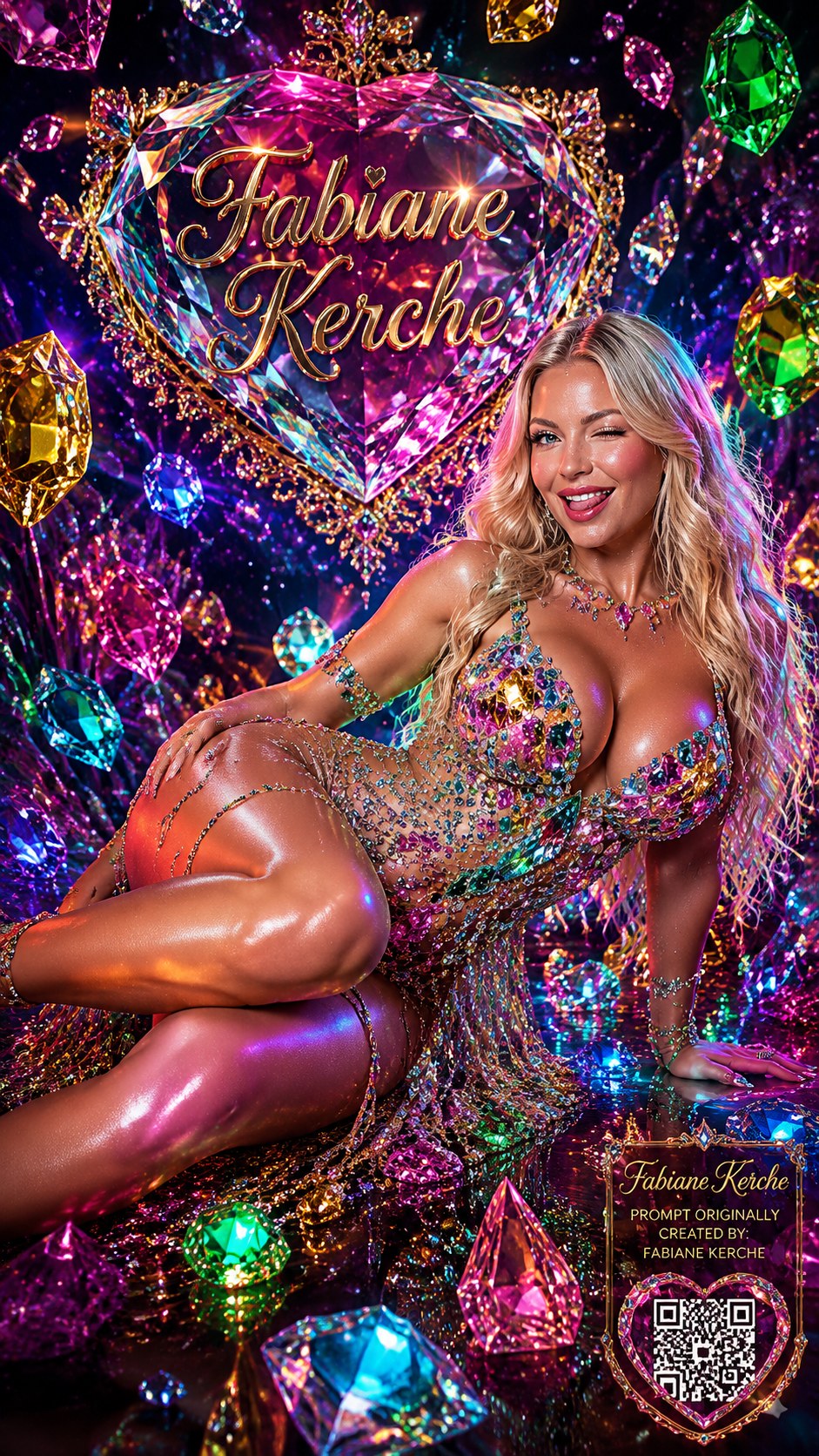
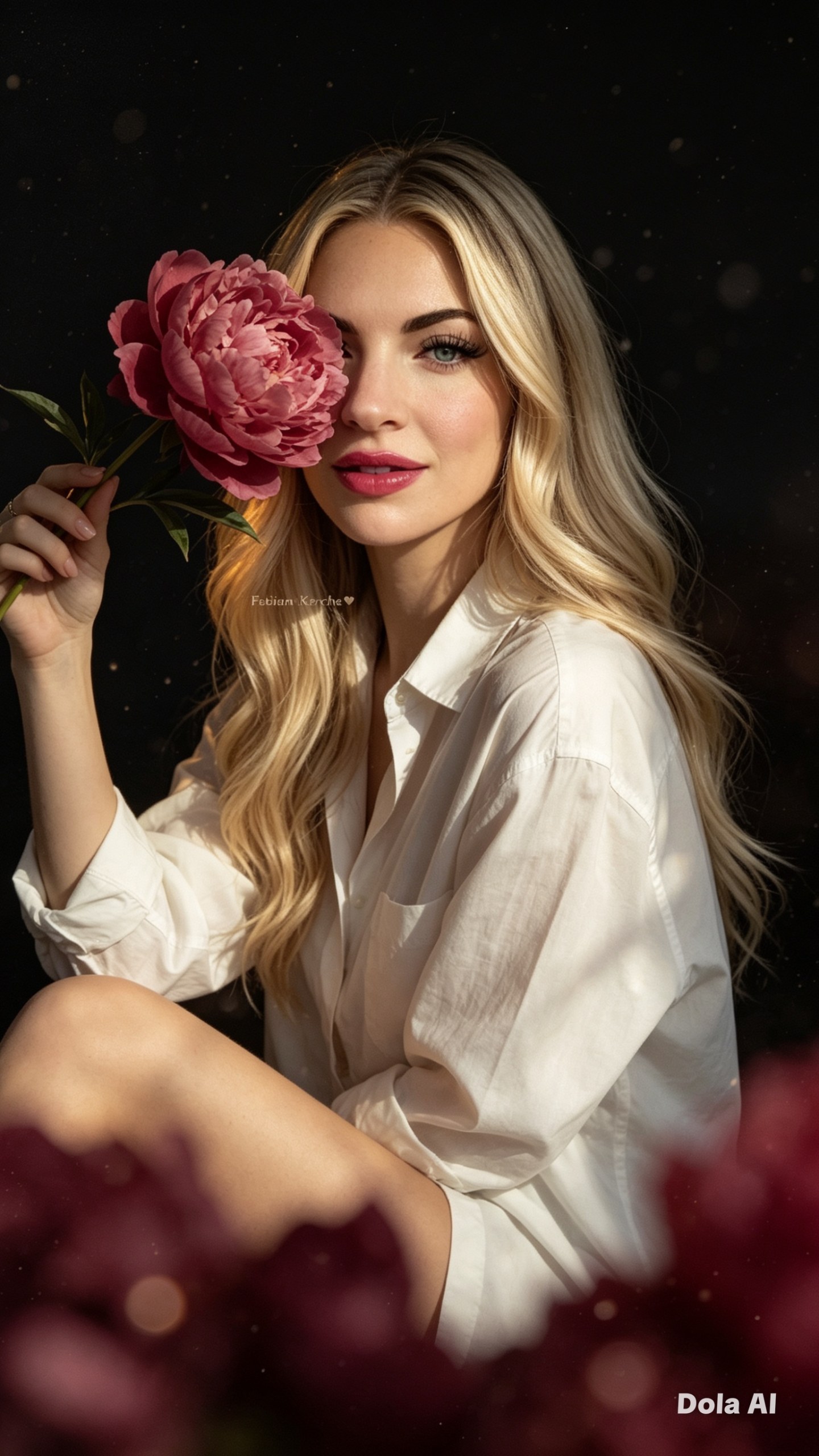
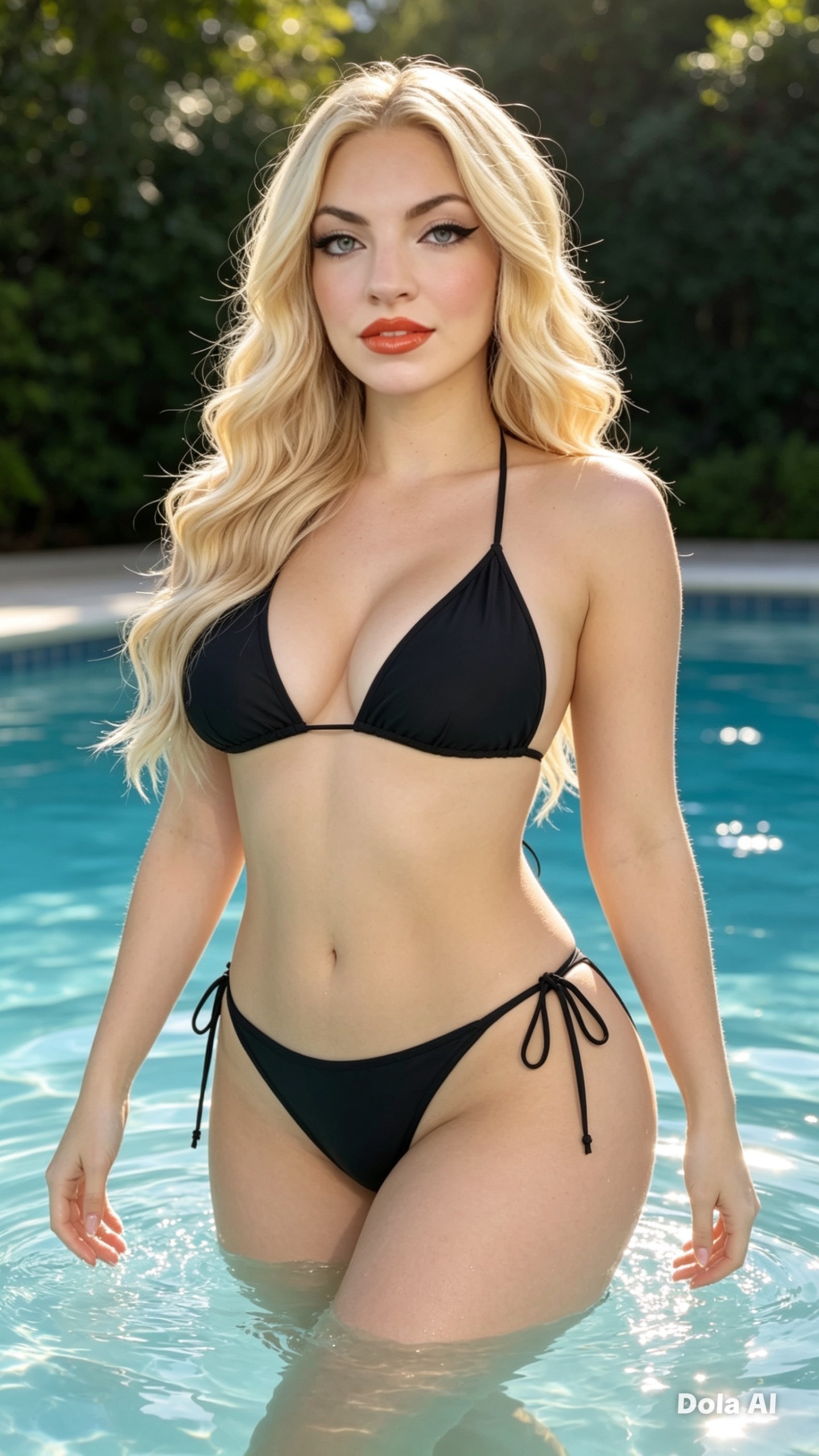
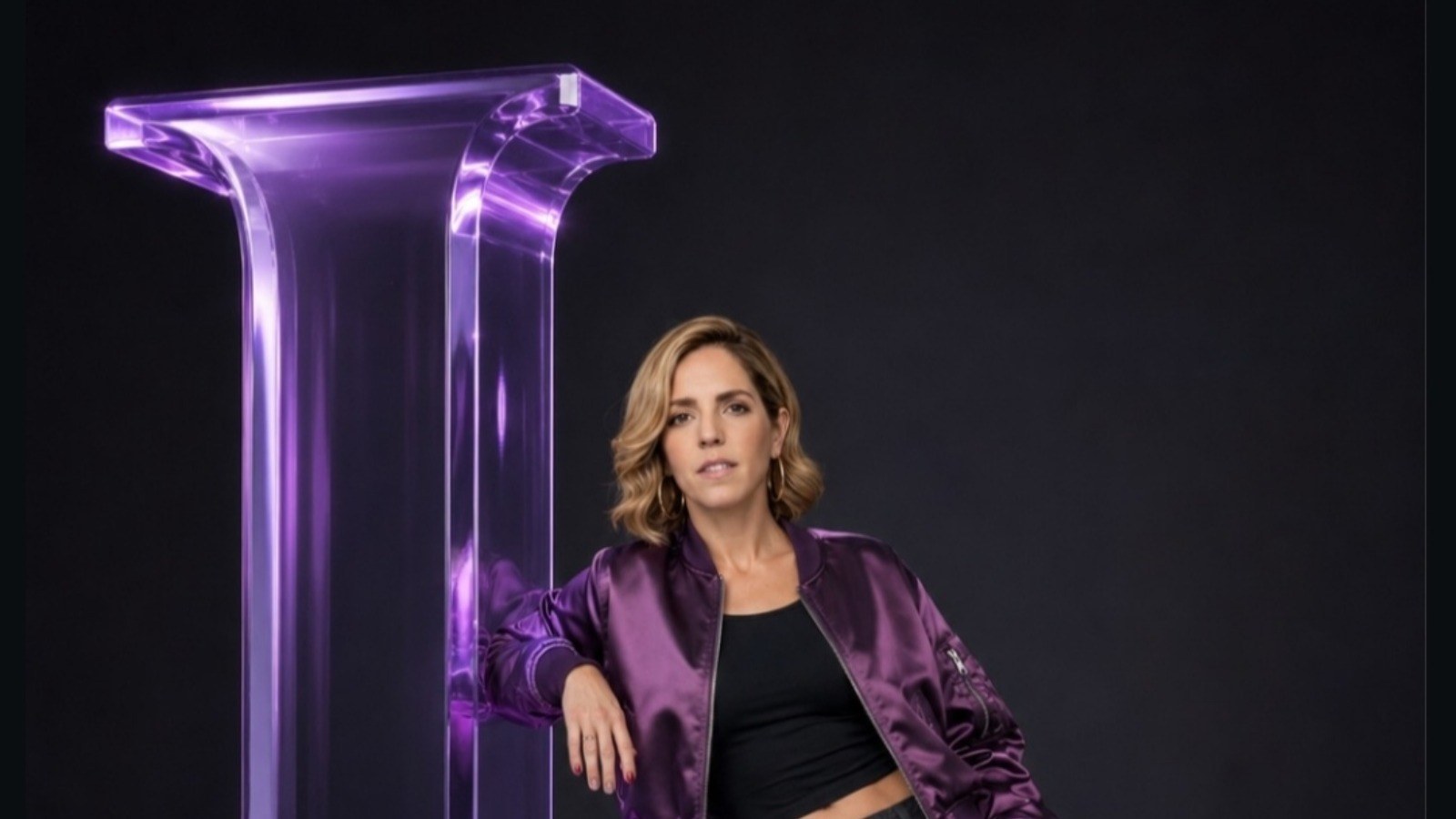
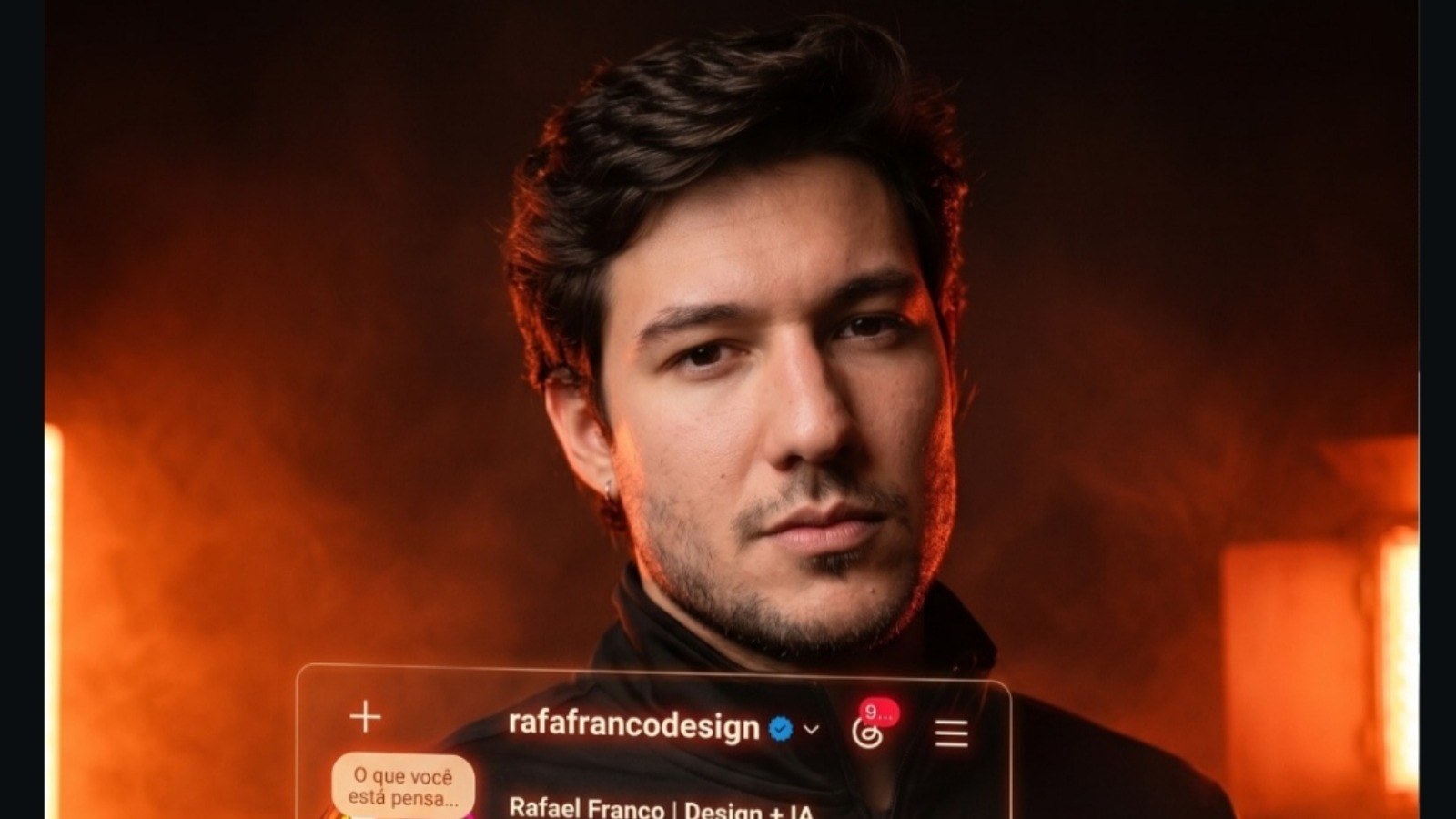
Use the uploaded reference photo as the base face and pose for the entire composition, mantendo 100% da identidade real (mesmo formato de rosto, nariz, boca, olhos, mandíbula, tom de pele, cabelo e proporções). ​ Como encaixar a foto no prompt abstrato Comece o prompt assim: “Use the uploaded reference photo as the base. Keep the exact same face and overall proportions from the reference, no changes to identity.” ​ Em seguida encaixe o estilo: “Transform this reference into abstract expressive portrait paintings in a mixed media digital art style, combining semi-realistic facial rendering and bold painterly abstractions…”. ​ Regras para a identidade Adicione frases de trava de rosto, por exemplo: “preserve 100% facial likeness from the uploaded image, do not change jawline, nose, lips, eyes, or age; only change colors, brushstrokes and background.” ​ Se quiser flexibilidade mínima, limite‑se a: “allow only minor stylization of features, but keep the person instantly recognizable as the same from the photo.” ​ Fechando o prompt Depois de definir o uso da foto, cole o bloco estilístico já ajustado: cubist brushstrokes, grunge textures, poemas de amor sobrepostos, handwriting colorida etc., mantendo sempre a menção “using the uploaded reference photo as the base face”. ​ Evite combinar muitos prompts diferentes na mesma chamada; use um único prompt completo com a foto carregada para maximizar a fidelidade de rosto. ​
← Voltar para a biblioteca